Login page
What can you do?
You can customize the background image of the login page by choosing a wallpaper in a predefined list of images.
Choose the login wallpaper
You need administrator privilege to customize the login page.
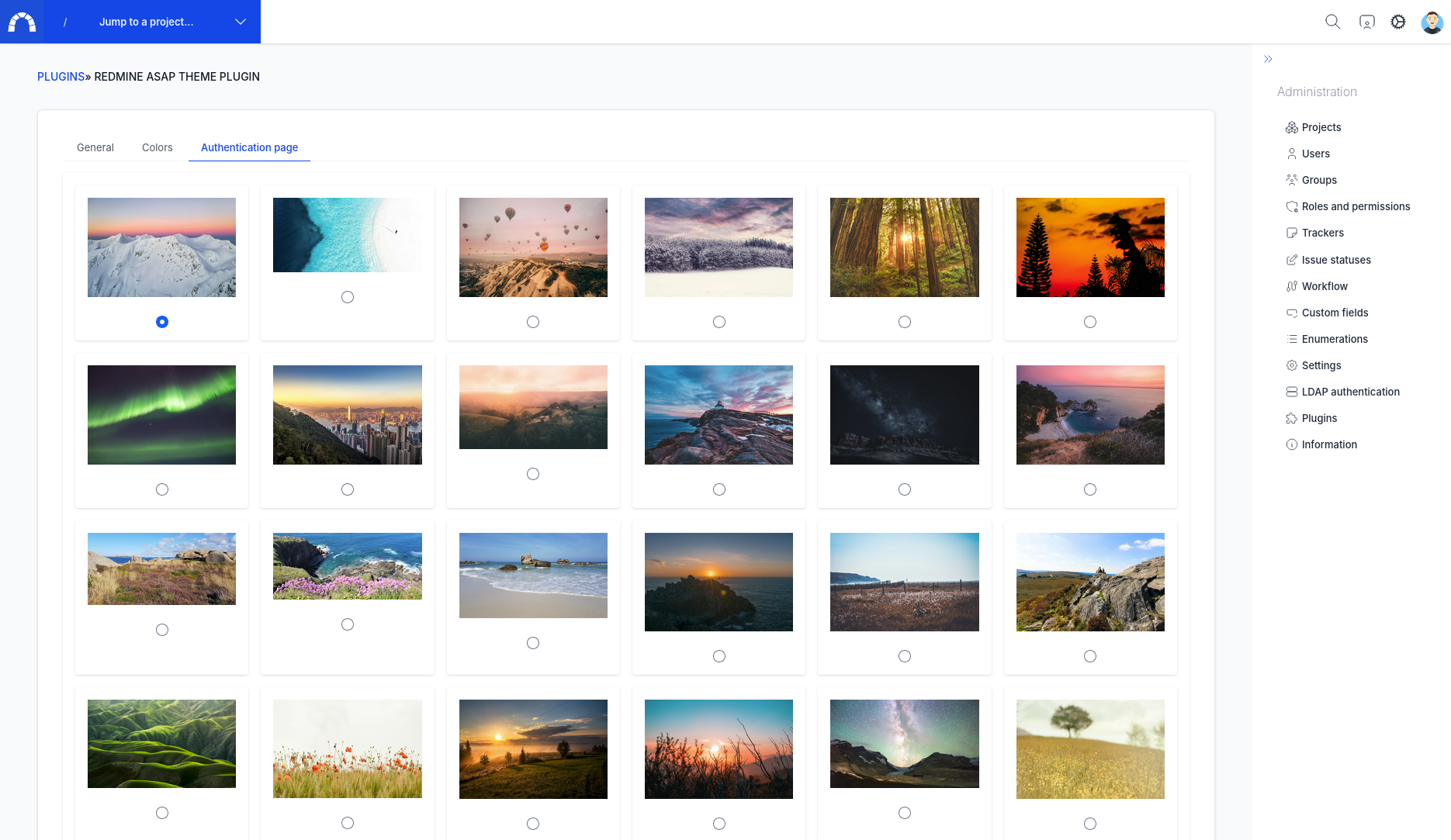
Go to admin area > theme and then select the tab login page
(direct link : redmine_url/settings/plugin/redmine_asap_theme?tab=asap_theme_login)
Select the image you want
Click on apply and that's it!
Customize wallpaper images
You can add your own wallpaper by copy them in the folder <plugin>/assets/images/login/. Restart your app and the new images will normally appear in the list.